5 Free Claude Code Alternatives (Part 2): Kombai + OpenRouter

Part 2 adds Kombai to the free stack and connects OpenCode to OpenRouter's free models. The result is a five-tool workflow for frontend work and terminal coding without a Claude subscription.
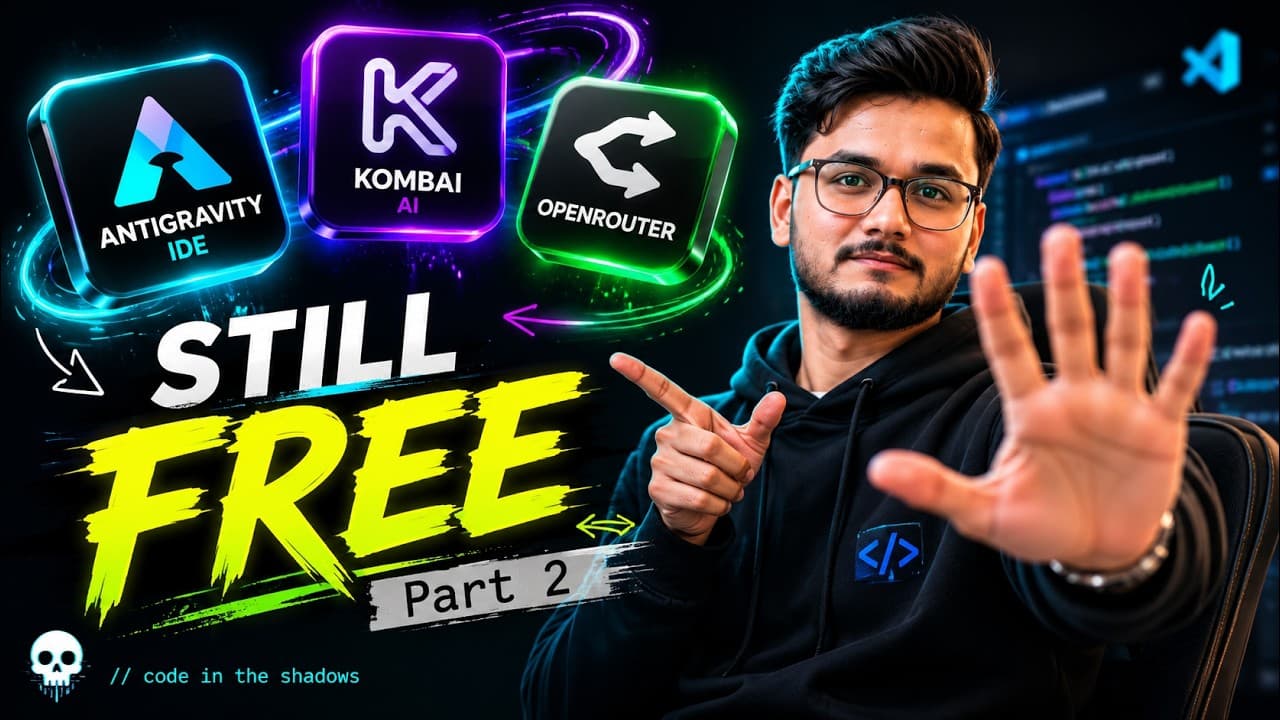
Part 1 covered the base setup: Antigravity, OpenCode, and BlackboxAI. This part adds two more pieces. Kombai handles frontend work, and OpenRouter gives OpenCode a catalog of free models to switch between.
The point is not to install five tools for the sake of it. The point is to have a fallback. When one free model is busy, you switch. When a task is UI-heavy, you use the frontend agent. When you need terminal automation, you use OpenCode.
The five-tool stack
- Antigravity - the editor and agent workspace.
- OpenCode - the terminal coding agent.
- BlackboxAI - chat and inline code inside the editor.
- Kombai - a frontend-focused agent for UI work.
- OpenRouter - the model gateway that connects OpenCode to free models.
Only Antigravity and the editor extensions need a GUI. OpenCode and OpenRouter work from the terminal, which makes the setup easy to reproduce on another machine.
Step 1: Install Kombai in Antigravity
Open the Extensions view in Antigravity, search for Kombai, and install the official extension. Sign in when prompted.
Then open a frontend project and try a small task:
Build a responsive pricing section with three cards and a monthly/yearly toggle.
Kombai is strongest when the task is visual and self-contained. Give it a clear layout, a component boundary, and the styling system you already use. Do not ask it to redesign the whole app in one prompt.
The video runs a live demo so you can see how it behaves on a real component. Watch how it handles spacing, responsive breakpoints, and the diff before you accept the result.
Step 2: Connect OpenCode to OpenRouter
If OpenCode is already installed, connect OpenRouter:
opencode auth login
Choose OpenRouter and paste your API key. If you do not have a key yet, create one at openrouter.ai.
Then open the free model collection at openrouter.ai/collections/free-models. Copy the exact model ID, including the :free suffix.
Set a default in opencode.json:
{
  "$schema": "https://opencode.ai/config.json",
  "model": "openrouter/YOUR_MODEL_ID"
}
Use the model picker in OpenCode if you prefer not to edit the file. The important part is that the provider and model IDs match exactly.
Step 3: Test the workflow in Antigravity
Open the integrated terminal inside Antigravity and run:
opencode
Ask it to make a small change in the same project Kombai is working on. For example:
Add a loading state to the pricing toggle and keep the existing styles.
This tests the handoff between the two tools. Kombai handles the visual structure. OpenCode handles the logic and the terminal commands. You review both diffs.
Free model strategy
Free models are not all equal. Some are better at code, some are better at long context, and some are fast but shallow. A practical setup is:
- One fast model for small edits and explanations.
- One stronger model for debugging and multi-file changes.
- One backup model for when the first two are rate limited.
Do not build your workflow around a single free model. Availability changes. The skill is switching providers quickly without reinstalling the tool.
Common mistakes
- Installing every extension at once. Start with one task and one tool, then add the next.
- Using a display name as a model ID. Copy the exact ID from OpenRouter.
- Ignoring free-tier limits. Read the model page before you plan a long session.
- Letting two agents edit the same file. Finish and review one diff before starting the other.
- Skipping the review. A free agent can still break your code. Treat every edit as a pull request.
Final thoughts
The free stack is now complete: an editor, a terminal agent, an in-editor assistant, a frontend agent, and a model gateway. Install Kombai, connect OpenRouter, and run one real task with each tool. Keep the two that fit your workflow and remove the rest.
- Kombai adds a frontend-focused agent to the free workflow.
- OpenCode can use OpenRouter as its model provider.
- Free OpenRouter model IDs usually end with :free.
- Keep two free models configured so a rate limit does not stop you.
- The full stack is Antigravity, OpenCode, BlackboxAI, Kombai, and OpenRouter.